What's the difference between a blind transfer and an attended transfer?
When transferring a call on Yay, you will have the option to send either a Blind Transfer or an Attended Transfer:

Blind Transfers (also known as Cold Transfers) will forward your call directly to the user you have selected.
This will not inform the end user that this is a transfer and it will display on their phone as a regular incoming call:

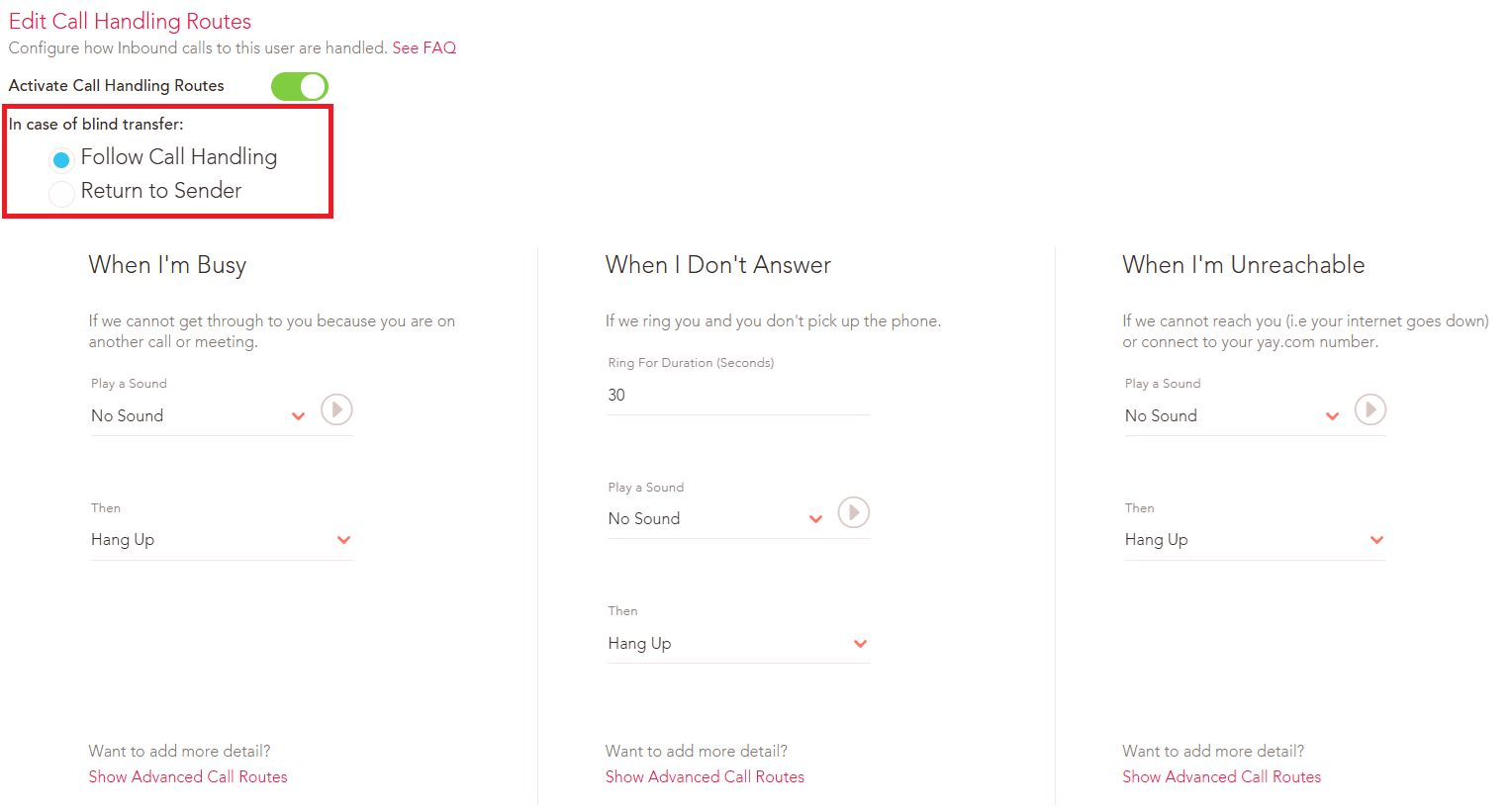
If the User receiving the transfer is unavailable, the transfer will not complete and the call will follow their Incase of Blind Transfer settings from within that User’s call handling route (which can be edited in their SIP User settings):
An Attended Transfer (also known as a Warm Transfer) will send a call from your extension to the other user as if it were a normal internal call.
This allows you to check with the other User to see if they are available to take this call or to provide them some information on the call for example who is calling and what the call is in regards to.
Your soft phone will display with a Transfer icon at the bottom of the screen for when you are ready to complete the transfer:

There is also the option to Cancel the transfer for example if the other User is unable to take this call, and this will put you back to your original call with the original caller.
If you have any other questions about this, please reach out to our friendly Support Team on 0330 122 6000, or emailing help@yay.com.