VoIP Calls
How do I transfer directly to another User's Mailbox?
It’s very simple to transfer a call to another User’s Mailbox!
Whilst you’re on the call, you simply need to press Transfer, then dial “**[extension]”.
For example:
- If you wanted to leave a voicemail on Ext 1001’s Mailbox, you would dial **1001.
- If you wanted to transfer a caller to Ext 1001’s mailbox, you’d transfer the call to **1001.
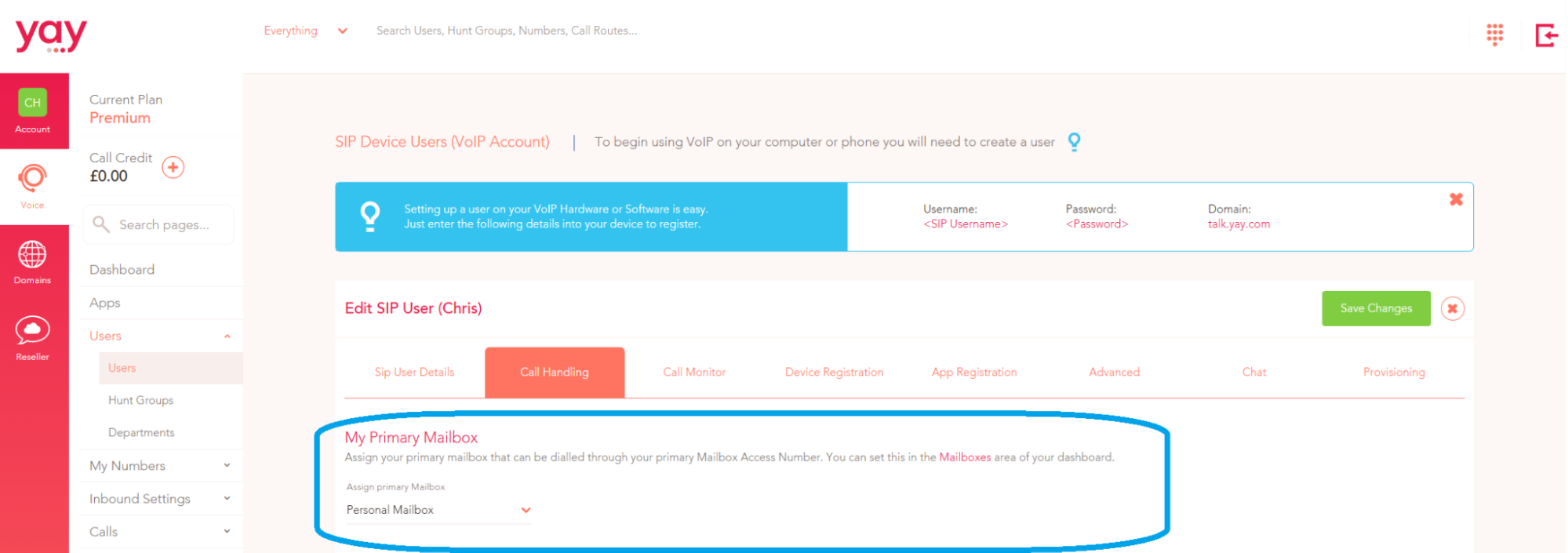
In the Yay.com Dashboard, under Voice > Users > Edit User > Call Handling, you can see the Primary Mailbox assigned to that User, which is where the call will be transferred to if you are transferring to the User’s Mailbox.
This also works on Deskphones! You can simply press Transfer, dial **, and press the BLF for the User you want to transfer the call to, and it will transfer to their Mailbox.
If you have any questions, please don't hesitate to contact our friendly Support Team on 0330 122 6000, or by emailing help@yay.com.