What are SIP Trunks and how do I use them?
What is a SIP Trunk?
A SIP trunk is a virtual link from your phone system (also known as a PBX) that allows your phone system to make phone calls via the internet.
With traditional analogue phone lines a trunk is the bundle of wires that is shared between users. SIP trunking refers to making these connections virtual, not physical, and the data is transferred via an internet connection, known as VoIP.
Why would you need a SIP Trunk?
BT is proposing to switch off PSTN lines for new customers by January 2027. This means traditional phone lines will be out and VoIP will be in across the board. But, this is great news! SIP Trunks are much more cost effective than your traditional analogue line, especially if you’re a business making lots of long distance calls.
How to create a SIP Trunk:
1. Choose a nickname for your SIP trunk, so it can be easily identified in your SIP Trunk list
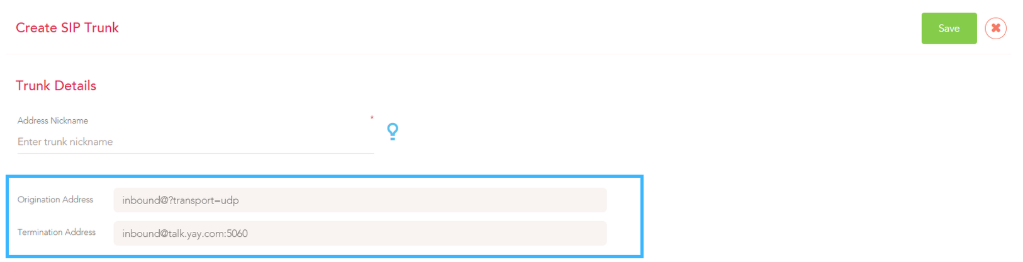
2. Set a SIP username or select the Dialled Number for receiving traffic.
Using a SIP username can come in handy for extra security on your SIP trunk.
3. Then input the IP or domain name (more below on the difference of both) of the SIP Trunk to receive the traffic to your PBX.
The port and transport type will need to match up to the ones on your PBX. This normally defaults to Port 5060 and Transport UDP.
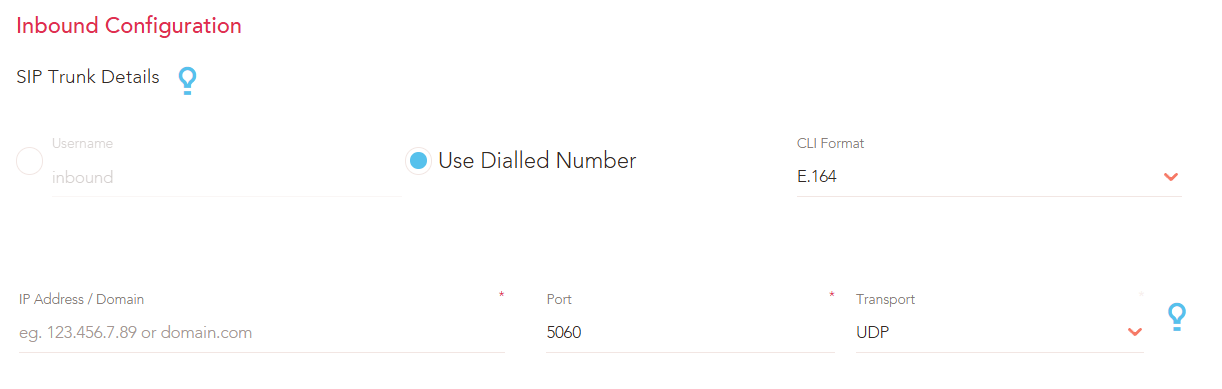
4. Finally, you will need to configure the security details to authenticate outgoing calls from your PBX.
Add the public IP address of your PBX to register an additional trunk, or set a username and password (commonly known as registered trunk). Setting up the Username and Password can help make your SIP trunk more secure!
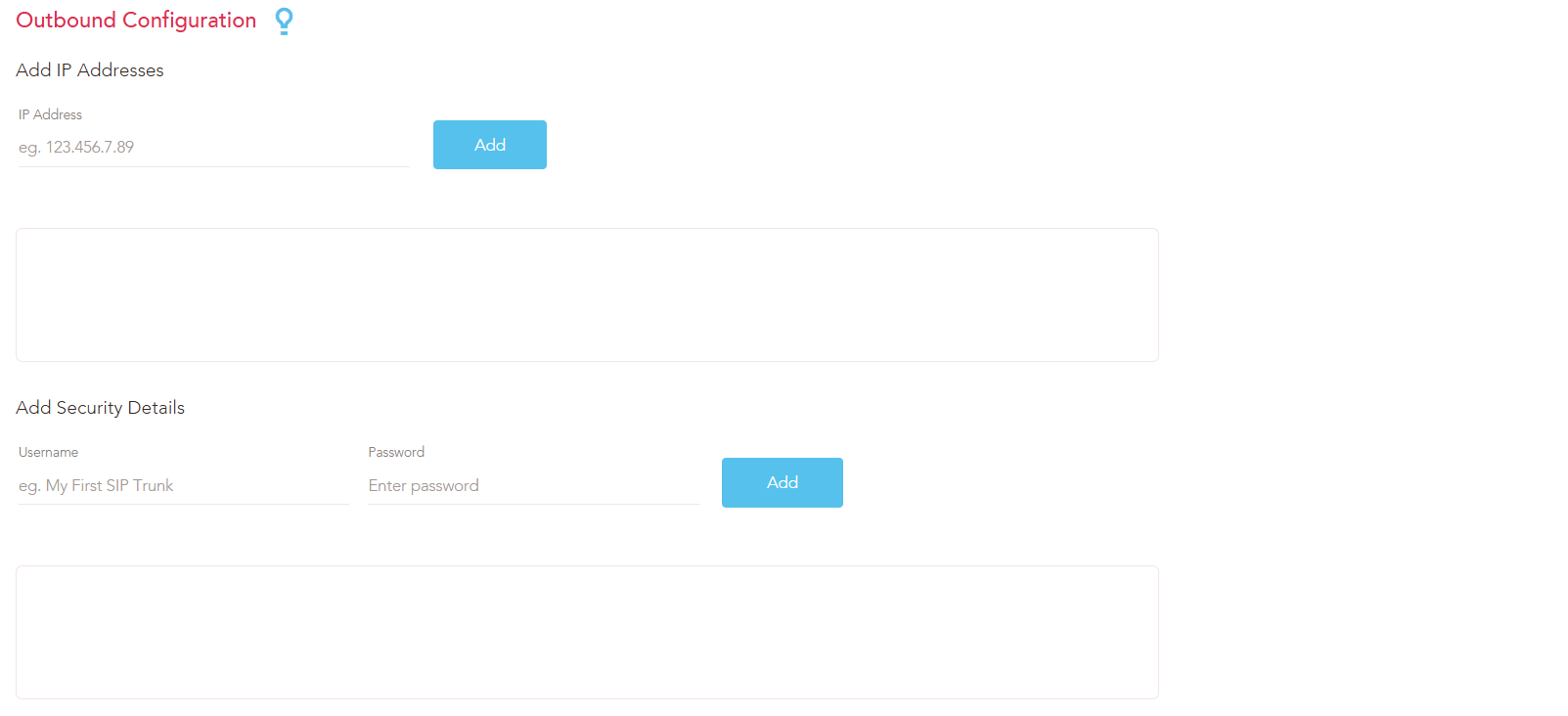
Then, once you have created your SIP Trunk, be sure to assign it to your number by going to Voice >My Numbers and assigning the SIP Trunk under Routing.

Now, your SIP Trunk is all good to go!
What’s the difference between using an IP address and a Domain name for my SIP Trunk?
IP Addresses - Using your public IP address can be a great choice in certain situations for many reasons - this offers simplicity and provides a direct connection which can help reduce any call delay or lag.
Configuring a SIP trunk to an IP address can often be simpler as all you need to do is enter your public IP address of where you are setting up your PBX. You can find your public IP address by Googling ‘what’s my IP address’.
When using a Domain name, the system will need to translate the domain name to an IP address. So, using your public IP address skips this step as it is already an IP address, which benefits the overall quality of the call.
When may i want to consider using a domain instead of IP authorisation?:
If your IP address changes (for instance if you move offices), you will need to update your SIP trunk configuration to your new IP address to make sure the calls are still being sent to the right place, while this is an easy change, it can interfere with your call system if you forget to make this change as the calls will be incorrectly routed.
IP addresses are also harder to remember than domain names so it can sometimes be more difficult to manage multiple SIP trunks in different locations.
Using a domain name to configure your SIP Trunk is another great choice for a variety of reasons including its flexibility and user friendliness.
Domains are more flexible than IP addresses because they are built with a dynamic IP - as opposed to the public static IP. So, even if your public IP address changes if you move offices for instance, your SIP trunk will remain accessible because your domain name will automatically configure to your new IP address.
Domain names are much easier to communicate than IP addresses and easier to remember which can help to simplify the configuration.You can also use sub domain names ( for example, yay.com has a sub domain of talk.yay.com) to organize and easily manage your SIP Trunks for if you have different locations or departments.
If you have any issues with this, or have any questions, please contact our lovely Yay.com support team on 0330 122 6000, or send in an email to help@yay.com.