How do I set up Custom Days?
Using a Time Diary is a great way to manage calls to fit with your business’s operational hours.
But for days that are in exception to your normal business hours such as training days, public holidays etc, you can add Custom Days from within your Time Diary:
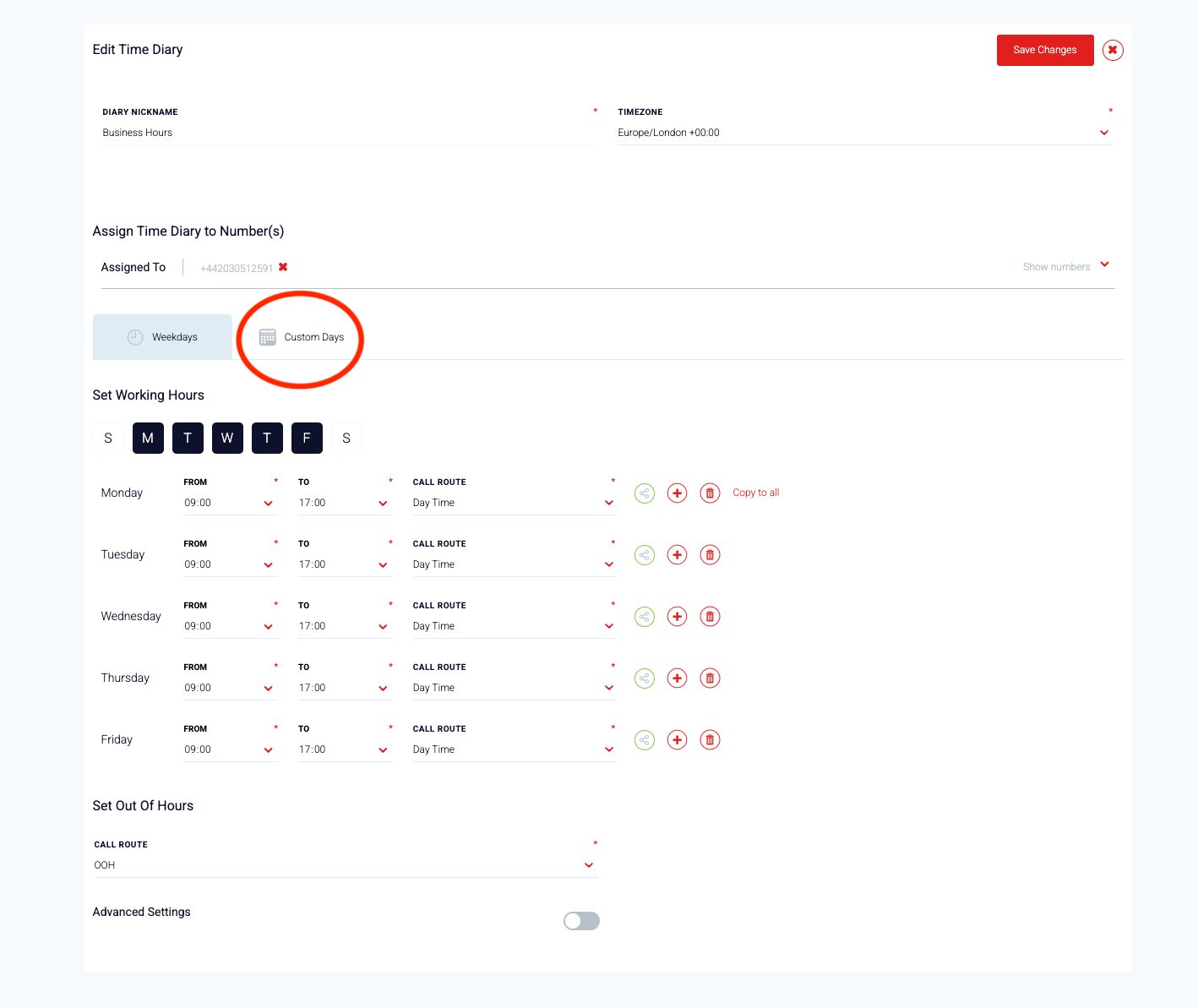
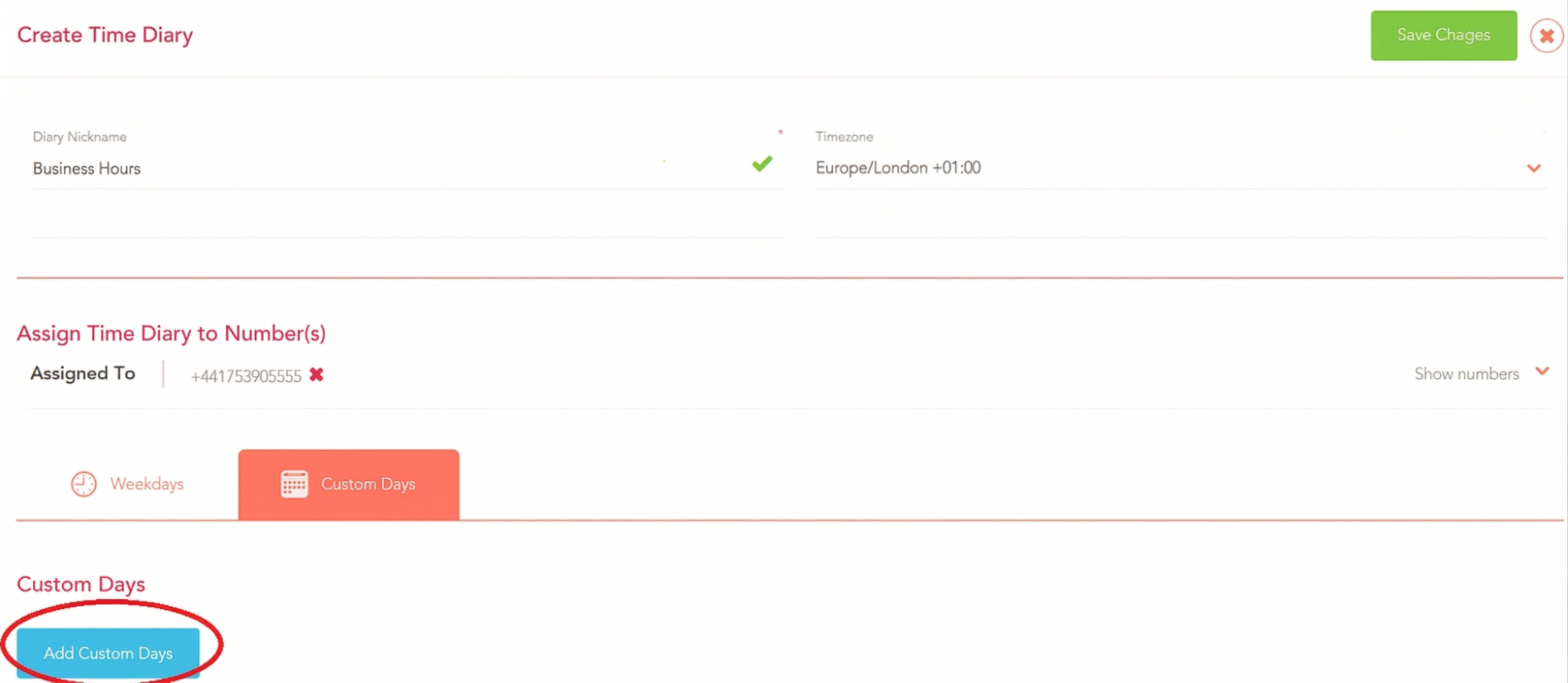
To set up a Custom Day, you will need to select the date from the Calendar. For one day, select the same date on both the From Date and To Date.
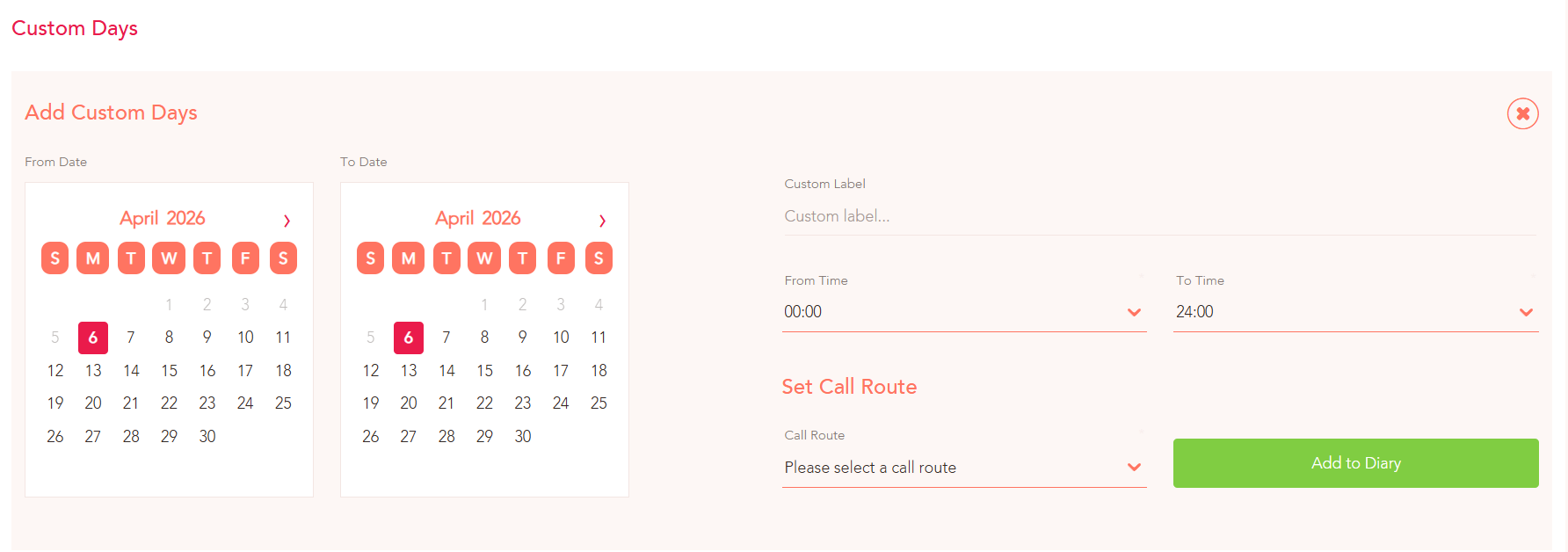
Then, you should select the Time From and Time To to establish what time your Custom Day should become active. You will also need to set the Call Route you would like any incoming calls at this time to follow.
Note - You should give your Custom Day a Label so you can tell it apart from any custom days you may set in the future.
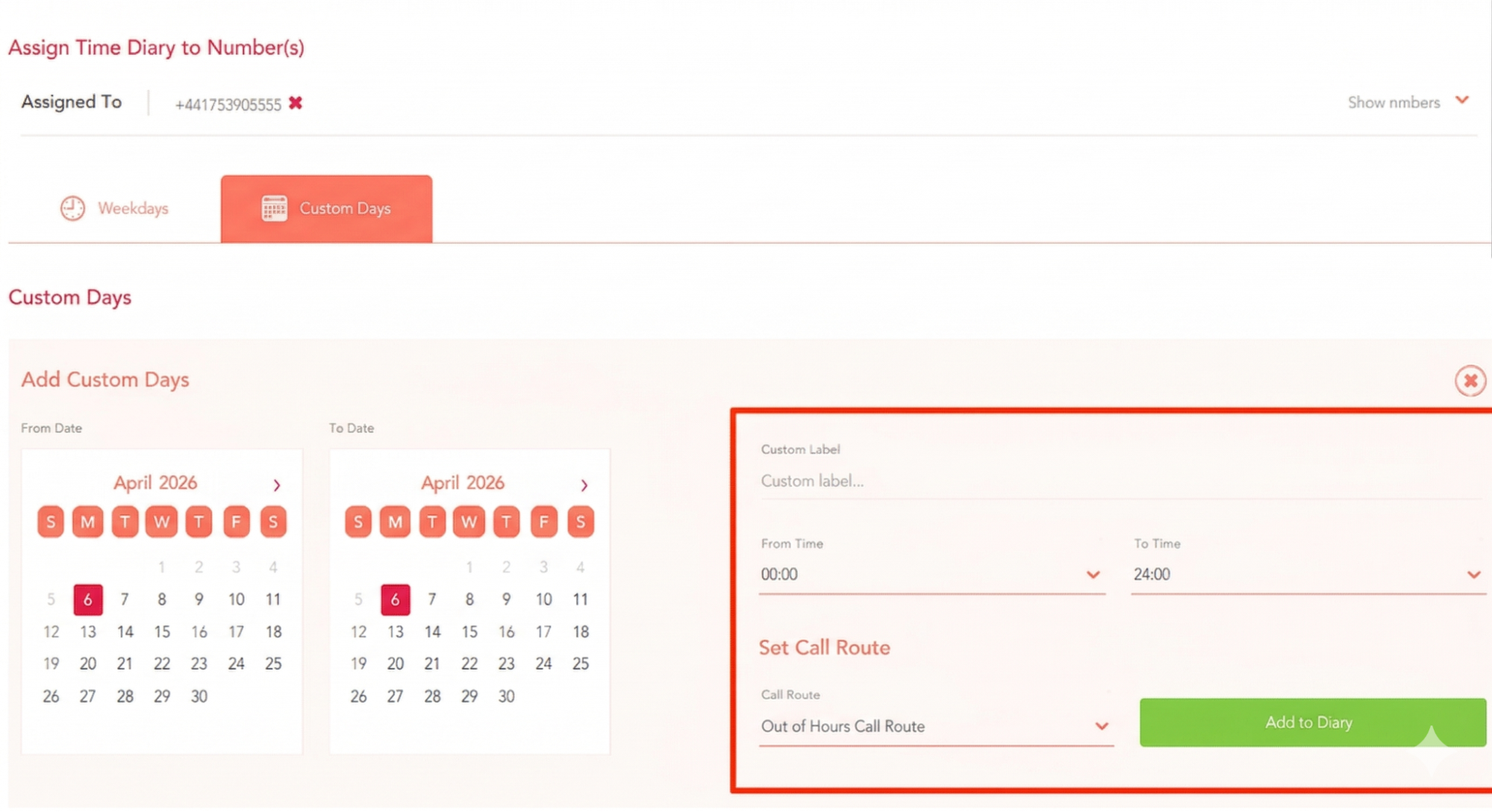
Now, if anyone makes a call to the number assigned to your Time Diary during your Custom Days, it will follow your alternative Call Route.